POS to ERP Integration: Getting Store Sales Into Your Books
How POS to ERP integration moves sales, payments, stock and tax from your tills into Tally, Zoho Books, QuickBooks, Xero or your ERP, with costs and pitfalls.
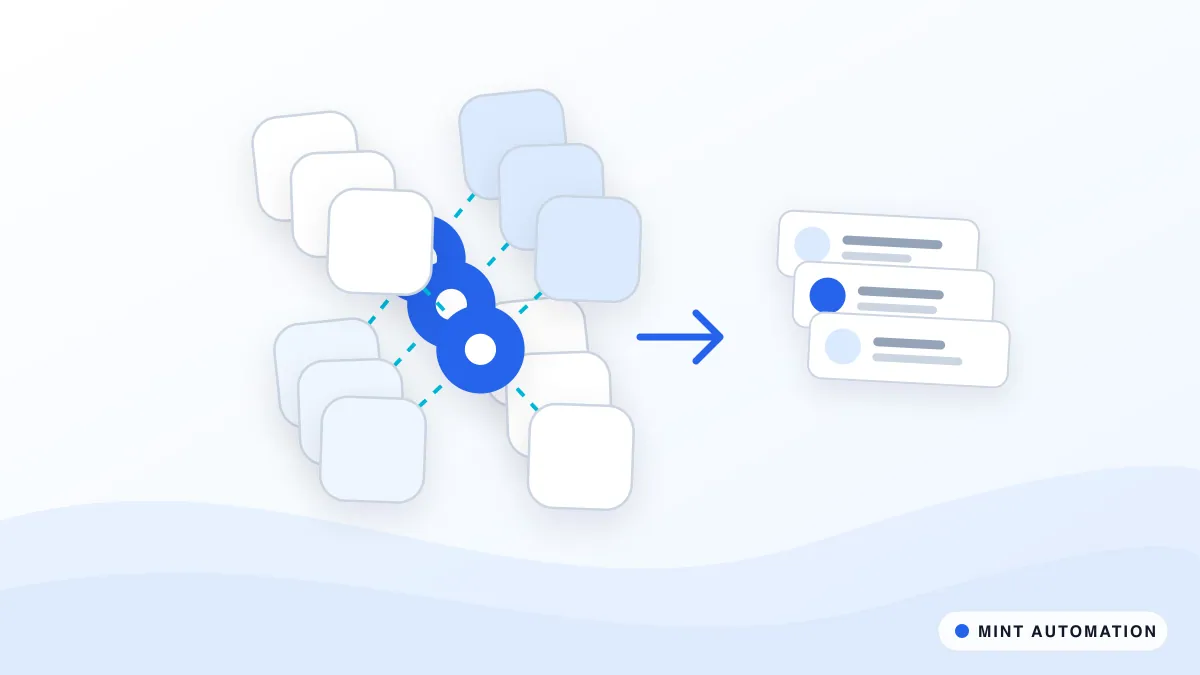
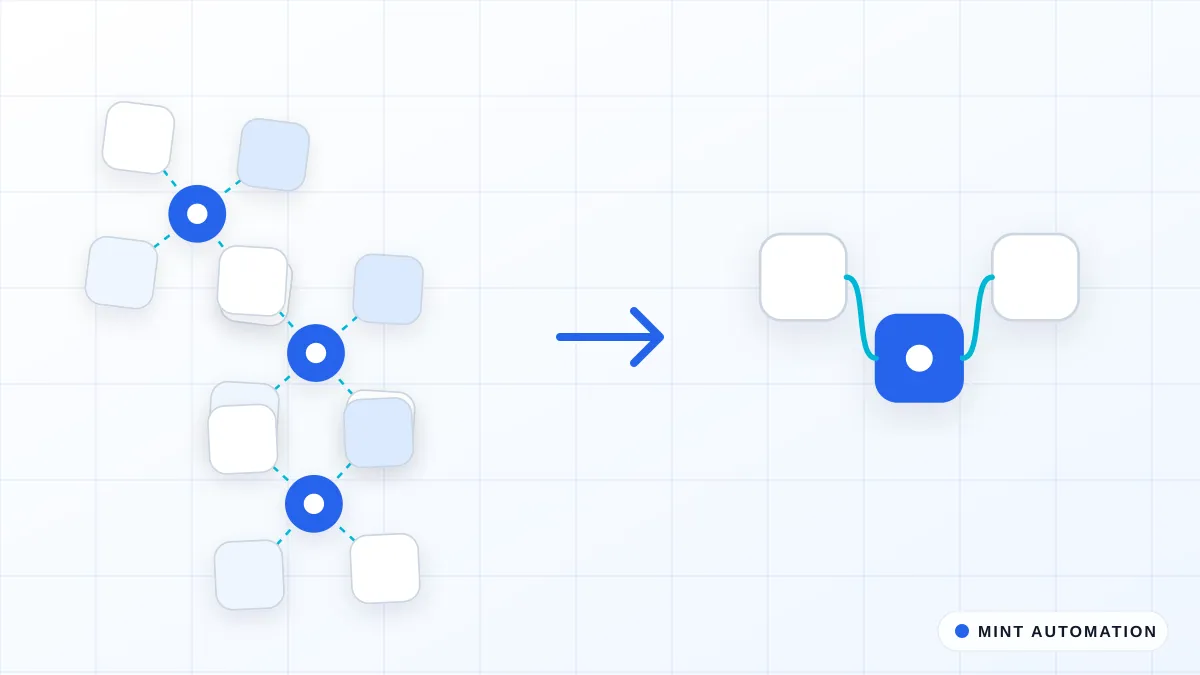
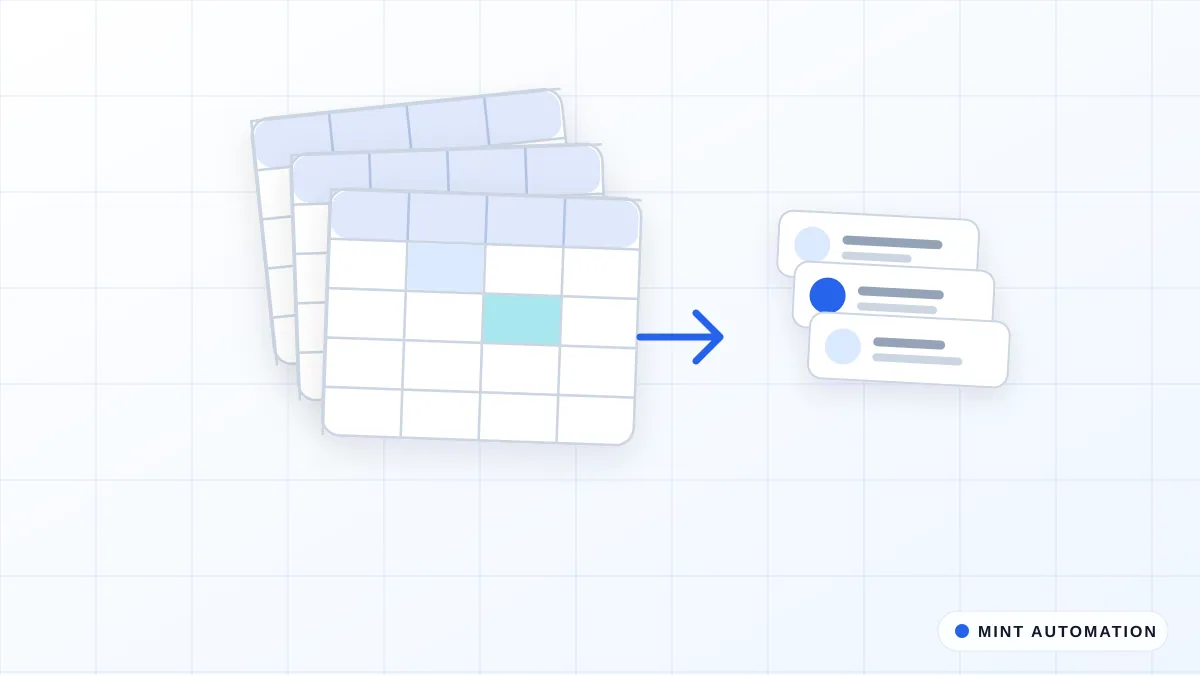
POS to ERP integration automatically moves what happens at your tills, such as sales, payments, refunds, discounts, tax and stock movements, into your accounting or ERP system. Instead of someone exporting reports and keying totals at the end of each day, your books, stock levels and reports stay up to date on their own, and the team only looks at the few figures that do not reconcile.
This guide explains why the gap between POS and ERP causes so much work, the main ways to connect them, what data should flow where, typical costs and the mistakes to avoid.
Why the POS and the ERP drift apart
Point-of-sale systems are built for speed at the counter. Accounting and ERP systems are built for control and reporting. Most businesses end up with both, and a person in the middle:
- Daily exports and re-keying. Someone downloads the day’s sales report from each store and types the totals into Tally, Zoho Books, QuickBooks, Xero or the ERP.
- Stock that never quite matches. Sales reduce stock in the POS, but purchases and transfers are recorded in the ERP, so neither system has the full picture.
- Payment reconciliation by hand. Card, UPI, wallet and cash takings settle on different days and with different fees, and matching them to sales is slow.
- Tax and discount inconsistencies. Different stores or staff apply discounts and tax codes differently, which creates corrections at month end.
- Late reports. Owners see last week’s performance, not yesterday’s, because the numbers are still being entered.
The more stores, channels and payment methods you add, the more this manual bridge struggles.
What data should flow between POS and ERP
A good integration starts by deciding exactly what each system is responsible for. Typical flows include:
From POS to ERP:
- Sales by store, date, product or category, payment method and tax rate.
- Refunds, returns and voids, with reasons where recorded.
- Discounts and promotions, recorded consistently.
- Payment totals for reconciliation against bank and gateway settlements.
- Stock reductions from sales.
From ERP to POS:
- Product catalogue, prices and tax codes, so stores always sell the right items at the right price.
- Stock received from purchases and transfers between locations.
- Customer accounts and credit limits, where you sell on account.
Agreeing these flows up front prevents the most common problem: two systems both believing they are the master copy of the same information.
Integration approaches: real-time, scheduled or summary
There are three common ways to connect POS and ERP, and many businesses combine them:
- Real-time sync. Each sale or stock movement is sent as it happens. This suits businesses that need live stock across stores or online channels, but it requires more careful error handling.
- Scheduled sync. Data is sent every few minutes or every hour. This is often the best balance of freshness and reliability.
- Daily summary posting. A single, reconciled entry per store per day is posted to the books, broken down by payment method and tax rate. Accountants often prefer this because it keeps the ledger clean, while stock is synced more frequently.
The right choice depends on how quickly decisions depend on the data, how your accountant wants the books to look and what your systems support. Our API and integration solutions cover all three approaches.
Handling the awkward parts
Most of the effort in a POS to ERP integration goes into the details that cause errors when done by hand:
- Refunds and exchanges must reverse the right sale, stock and tax, even when processed in a different store.
- Mixed payments, for example part card and part cash, need to be split correctly.
- Gift cards and store credit should be recorded as liabilities when sold and as revenue when redeemed.
- Payment fees and settlement timing from card processors and payment gateways must be matched to the right days.
- Product mapping between POS items and ERP products needs to be clean, including variants such as size and colour. A one-off clean-up with a data cleaning script is often worthwhile.
- Multiple stores or entities may need separate ledgers, warehouses or tax registrations.
Each rule is agreed with you and your accountant, so the integration reflects how your business is actually run.
Stores, online shop and marketplaces in one view
Many retailers now sell in more than one place: physical stores, their own online shop and marketplaces such as Amazon or Flipkart. Each channel has its own system and its own reports, which makes it hard to answer simple questions such as “how much did we really sell yesterday?” or “how many units do we have left?”.
A POS to ERP integration is often the first step towards a single view. Once store sales flow into the ERP automatically, online and marketplace orders can follow the same pattern. Stock can then be shared across channels, so an item sold in a store is no longer still showing as available online, and reports finally reflect the whole business rather than one channel at a time.
This does not need to happen all at once. Many businesses connect their stores first, prove the reconciliation works, and then add online channels one by one.
Security and access
An integration handles sales, payment and customer data, so it should be built with the same care as your accounting system. Connections use each platform’s official access methods where they exist, credentials are stored encrypted, and the integration only receives the permissions it needs. Every sync is logged, so your accountant can trace any figure back to the till it came from. You can read how we handle data in our privacy policy.
Reconciliation and exception handling
A trustworthy integration does not just move data; it checks it. Every day, it should confirm that POS sales totals match what was posted to the ERP, that payment totals match settlements, and that stock movements were applied. When something does not match, for example a store that did not close its till properly or a product missing from the ERP, the integration flags it with a clear explanation rather than posting a guess.
A short daily or weekly summary, produced automatically with something like our report builder pack, tells owners and accountants what was posted and what needs attention.
What POS to ERP integration costs
Cost depends on the systems involved, the number of stores and entities, and whether stock is included.
As a guide, connecting a single POS to one accounting system such as Tally, Zoho Books, QuickBooks or Xero typically falls between $499 and $1,200 as a fixed price, with delivery usually in 3 to 7 business days. Full ERP integrations with stock, multiple stores or several entities are usually in the $1,500 to $3,500 range and typically take 10 to 14 business days. Our services page explains how we quote.
Running costs are usually small, often limited to hosting for the integration and any fees your POS or ERP charges for API access.
Common mistakes to avoid
- Syncing before cleaning product data. Mismatched product codes are the most common cause of integration errors.
- Both systems editing prices. Decide which system owns prices and catalogue data.
- Posting every transaction when a summary would do. It can clutter the ledger and make audits harder.
- Ignoring refunds and gift cards until the first month-end close goes wrong.
- No daily reconciliation. Without it, small errors build up quietly for weeks.
What a typical rollout looks like
- Map your systems and data flows, including how each store closes its day today.
- Agree accounts, tax codes and posting rules with your accountant.
- Clean and map products between the POS and ERP.
- Build and test with past days of real sales, comparing the results with what was entered by hand.
- Run in parallel for a short period, then switch over with daily reconciliation in place. Our how it works page explains our wider process.
Is your business ready?
You are likely ready if:
- Someone enters POS totals into your accounting or ERP system every day or week.
- Stock levels in your systems regularly disagree.
- Month-end closing involves correcting sales, tax or payment entries.
- You are adding stores, channels or payment methods and the manual work is growing.
You can see the sectors we work with on our industries page, or take our free automation assessment for a quick, honest view.
How Mannveer International (MINT) Can Help
Mannveer International (MINT) connects POS systems to Tally, Zoho Books, QuickBooks, Xero and ERP platforms, built around the way your stores and accountant actually work. We start by mapping how sales, payments and stock move today, agree posting and reconciliation rules with you and your accountant, and give you a fixed quote before work starts.
After launch we monitor every sync and reconciliation, and adjust the integration as you add products, stores or systems, so your books stay accurate without daily re-keying.
- Contact MINT to describe your POS and accounting setup
- Connect with MINT directly by WhatsApp or phone
- Explore MINT case studies to see the kind of work we deliver
- Take the free automation assessment to check how automatable your store reporting is
FAQ
Which POS and ERP systems can be connected?
Most modern POS systems, such as Shopify POS, Square, Lightspeed and many regional restaurant and retail POS systems, can be connected to Tally, Zoho Books, QuickBooks, Xero, Odoo, SAP Business One or Microsoft Dynamics. Where a system has no integration, its reports or web screens can be used instead.
Should every sale be sent to the ERP individually?
Not always. Many businesses post a daily summary per store, payment method and tax rate, which keeps the books clean, while stock movements are updated more frequently. The right choice depends on your reporting and audit needs.
How are refunds, discounts and gift cards handled?
They are mapped to the correct accounts and tax treatment during setup, so returns reduce sales and stock correctly, discounts are recorded consistently and gift cards are treated as liabilities until they are redeemed.
How long does POS to ERP integration take?
A single POS and one accounting system is typically delivered by MINT in 3 to 7 business days. Full ERP integrations with stock, multiple stores or entities usually take 10 to 14 business days and are quoted up front.
Want your apps to stay in sync on their own?
MINT connects your CRM, accounting, and spreadsheets so data moves without copy-paste.