Contract Approval Automation: From Draft to Signature Faster
How contract approval automation routes drafts to the right approvers, sends them for e-signature and updates your CRM, with typical costs and pitfalls.
Contract approval automation moves a contract from draft to signature without the usual chasing. It fills in the agreed template, sends it to the right people for approval based on your rules, collects electronic signatures and records the signed copy and key dates in your CRM. Your team still makes every decision; the automation removes the waiting and the copying in between.
This guide explains where contracts get stuck, how an automated approval flow works, which tools it connects, what it typically costs and the mistakes to avoid.
Where contracts get stuck
When a deal is agreed, everyone wants the contract signed quickly. Yet the same delays appear again and again:
- Drafting from scratch or the wrong template. Someone copies last month’s contract and edits it, sometimes leaving the previous client’s details in place.
- Unclear approvals. Nobody is quite sure whether a discount or a change to payment terms needs the director’s sign-off, so the contract waits while people ask.
- Approvals by email. Approval requests sit in busy inboxes, and there is no record of who approved what and when.
- Signature chasing. The client forgets to sign, or sends it to a colleague, and nobody follows up for days.
- Missing records. Once signed, the PDF lands in someone’s downloads folder. Renewal dates, notice periods and agreed prices never make it into the CRM.
Each delay seems small, but together they slow revenue, frustrate clients and create risk when nobody can find the signed version later.
There is also a quieter cost. A client who has just said yes is at their most enthusiastic. Every day the contract spends waiting for an internal approval or a reminder gives them time to reconsider, compare alternatives or simply lose momentum. Fast, well-organised contracting is part of the customer experience, not just an administrative step.
How an automated contract approval flow works
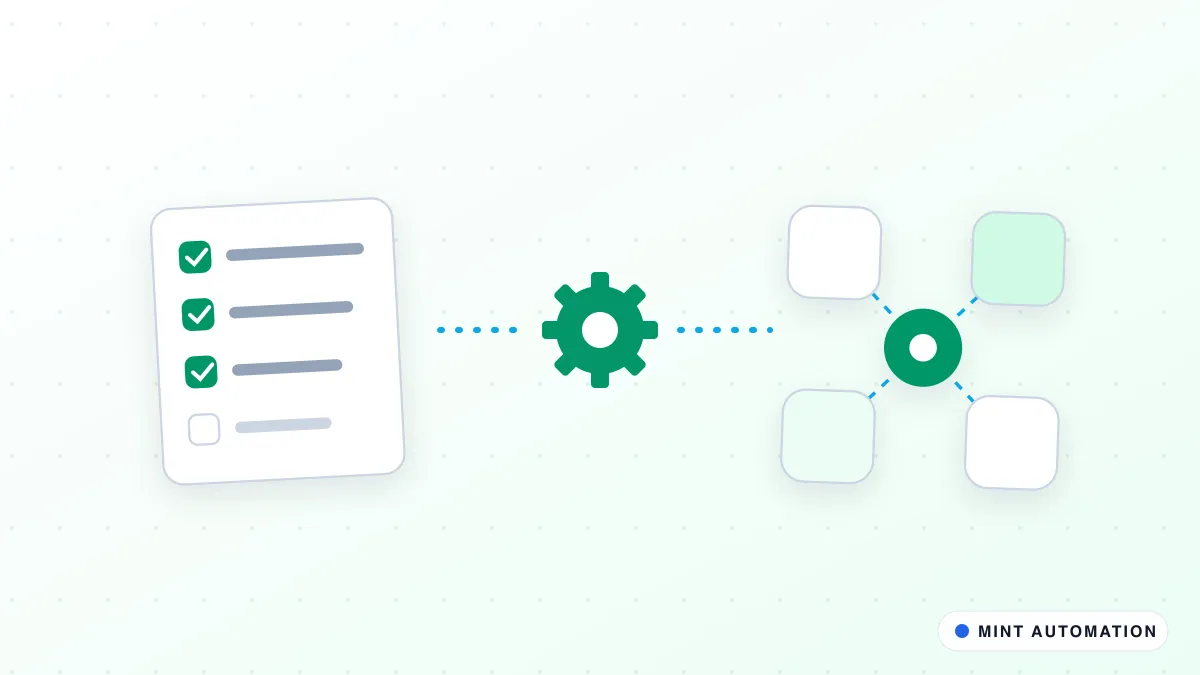
A typical automated flow follows these steps:
- Start from the deal. When a deal reaches the right stage in your CRM, the automation creates the contract from your approved template, filling in client details, prices and terms from the CRM record.
- Check the terms. It compares the contract against your rules: is the discount within the normal range, are payment terms standard, has a non-standard clause been added?
- Route for approval. Standard contracts go straight to the usual approver. Anything outside the rules goes to the right person, for example finance for payment terms or a director for large discounts.
- Collect approvals. Approvers receive a clear summary and can approve or send back with comments in a click. Reminders go out automatically if a decision is waiting.
- Send for signature. Once approved, the contract is sent to the client’s signatory through your e-signature tool, with polite reminders if it is not signed.
- Record everything. The signed copy is stored against the deal, key dates such as start, renewal and notice periods are recorded, and the right people are notified.
Every step is logged, so you always know where a contract is and who did what.
Approval rules that reflect how your business works
The value of automation comes from encoding the rules your team currently keeps in their heads. Common examples include:
- Value thresholds. Contracts above a certain value need a second approver.
- Discount limits. Discounts beyond the normal range go to a director.
- Payment terms. Anything longer than your standard terms needs finance approval.
- Clause changes. Edits to liability, termination or data protection clauses go to whoever handles legal matters.
- Region or entity. Contracts for a different country or company in your group follow that entity’s approval chain.
Writing these rules down is often valuable in itself. It removes guesswork for the sales team and makes approvals consistent.
Which tools it connects
Most contract approval automations connect three kinds of systems:
- Your CRM, such as Zoho CRM, Salesforce or HubSpot, where deals, clients and prices live.
- Your document templates, stored in Google Docs, Microsoft Word or your e-signature tool.
- Your e-signature service, such as Zoho Sign, DocuSign or Adobe Acrobat Sign.
It can also notify approvers on email, Zoho Cliq, Slack or WhatsApp, and create follow-on tasks, for example asking finance to set up billing or operations to schedule onboarding. A workflow automation ties these steps together, and if older signed contracts need their key dates extracted into the CRM, our document extraction product can help.
After signature: turning a contract into action
Many businesses focus on getting the signature and forget what should happen next. Yet the signed contract is the trigger for a lot of routine work that can also be automated:
- Billing setup. Finance receives the agreed prices, payment terms and billing contact automatically, so the first invoice is right and goes out on time.
- Onboarding. Operations or account management gets a task list for the new client, with the contract attached and the start date already in the calendar.
- Welcome communication. The client receives a short welcome message explaining who their contact is and what happens next.
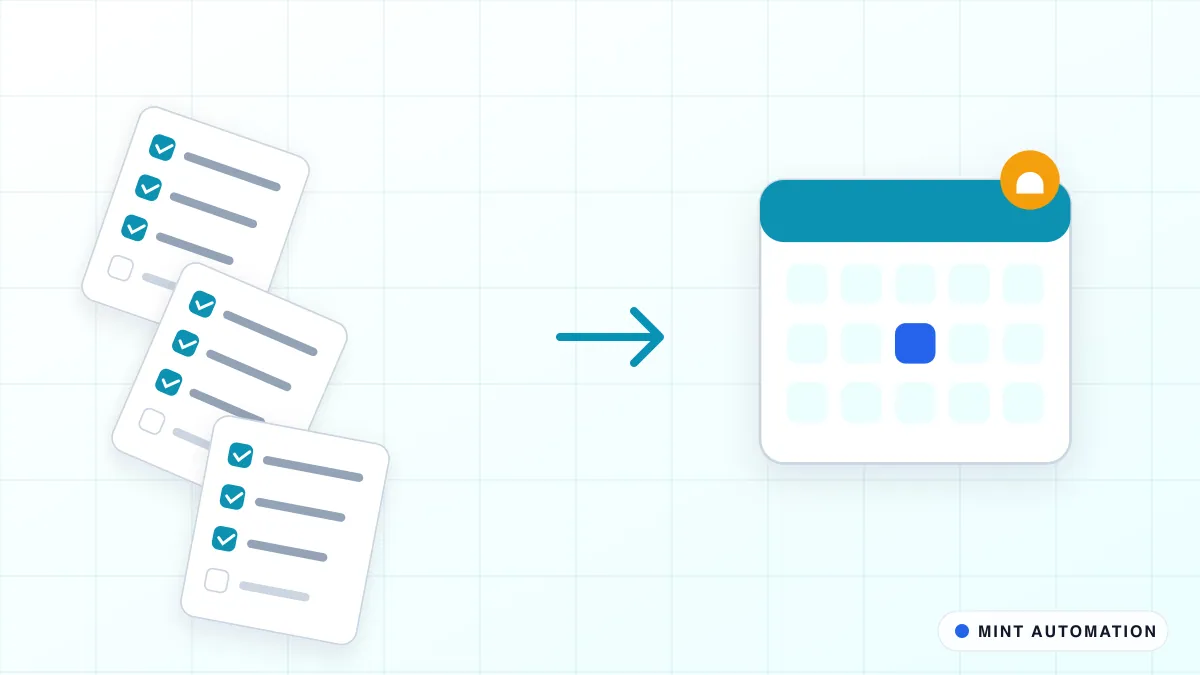
- Renewal and notice reminders. Key dates are stored against the client, and reminders are scheduled well before a renewal or notice deadline, so nothing lapses by accident.
- Obligation tracking. Where a contract includes service levels, reporting duties or review dates, those can be turned into recurring tasks for the right person.
Handled manually, these steps depend on someone reading the contract carefully and remembering to tell every team. Automated, they happen the same way every time, within minutes of the signature, and the client experiences a business that is organised from day one.
Keeping control and a clear audit trail
Automating contracts should increase control, not reduce it:
- People approve, the system routes. No contract is approved or signed without the right person acting.
- Templates are locked. Sales teams fill in variables but cannot accidentally edit protected clauses.
- Every action is logged. Who drafted, approved, edited and signed, with timestamps.
- Signed copies are stored centrally, attached to the client record, with limited access.
You can read how we handle data in our privacy policy.
What contract approval automation costs
As a guide, automating one contract type with one CRM and one e-signature tool typically falls between $499 and $1,200 as a fixed price. Projects with several contract types, multiple entities or an additional finance or ERP integration are usually in the $1,500 to $3,500 range. Our services page explains how we quote.
E-signature services usually charge a monthly subscription or a per-envelope fee, which you may already be paying. A good provider will tell you whether your current plan is enough before you start.
How to measure the results
A few simple measures show whether the automation is working:
- Time from deal won to contract signed, before and after automation.
- Contracts waiting for approval, and for how long.
- Contracts sent back for corrections, which often points to a template or data problem worth fixing.
- Signed contracts with complete CRM records, including renewal and notice dates.
An automatic weekly summary, for example from our report builder pack, keeps leadership informed without anyone compiling a spreadsheet.
Common mistakes to avoid
- Automating a messy template. Agree one clean, approved template per contract type first.
- Too many approvers. Every extra approval step adds delay. Route only what genuinely needs it.
- No owner for stuck contracts. Someone should be responsible when a contract is waiting too long.
- Forgetting what happens after signature. Recording dates and triggering onboarding or billing is where much of the value lies.
- Ignoring local rules. Some documents have specific signing requirements. Check with your adviser where needed.
What a typical rollout looks like
- Collect your templates and current approval habits, including the unwritten ones.
- Agree the routing rules with sales, finance and leadership.
- Build and test with sample deals, using internal signatories first.
- Run a few real contracts with close monitoring.
- Go live and review after a month, adjusting rules where approvals are slow or unnecessary. Our how it works page explains our wider process.
Is your business ready?
You are likely ready if:
- You send contracts or agreements every week, not just occasionally.
- Approvals happen by email or chat and are hard to track.
- Signed contracts are not reliably stored with the client record.
- Renewal or notice dates are sometimes missed.
You can see examples of the industries we work with on our industries page, or take our free automation assessment for a quick, honest view.
How Mannveer International (MINT) Can Help
Mannveer International (MINT) automates contract approvals around the CRM, templates and e-signature tools you already use. We start by understanding how contracts move through your business today, write down the approval rules with you and give you a fixed quote before any work starts. Standard setups are typically delivered in 3 to 7 business days, with every approval still made by the right person.
After launch we monitor the automation and adjust rules as your business changes, so contracts get signed faster without losing control.
- Contact MINT to describe how your contracts are approved today
- Connect with MINT directly by WhatsApp or phone
- Explore MINT case studies to see the kind of work we deliver
- Take the free automation assessment to check how automatable your contract process is
FAQ
Which e-signature tools can contract automation work with?
It works with the common e-signature services, such as Zoho Sign, DocuSign and Adobe Acrobat Sign, and with your CRM, for example Zoho CRM, Salesforce or HubSpot. The automation prepares the document, sends it for signature and records the signed copy.
Can approvals depend on the deal value or contract terms?
Yes. Routing rules can send a contract to different approvers depending on value, discount, region, payment terms or non-standard clauses, so routine contracts move quickly and unusual ones get the right attention.
Is an electronic signature legally valid?
In most countries, including India, the UK, the US and EU member states, electronic signatures are legally recognised for most commercial contracts. Some document types have special rules, so check with your legal adviser for anything unusual.
How long does contract approval automation take to set up?
For one contract type, one CRM and one e-signature tool, MINT typically delivers in 3 to 7 business days once the approval rules are agreed. Multiple contract types or entities take longer and are quoted up front.
Have a repetitive task?
Tell us what your team does by hand. We will tell you honestly whether it is worth automating.