Automating Renewal and Payment Reminders Without Annoying Clients
How to automate renewal reminders and overdue payment follow-ups politely across email and WhatsApp: what to send when, typical costs and mistakes to avoid.
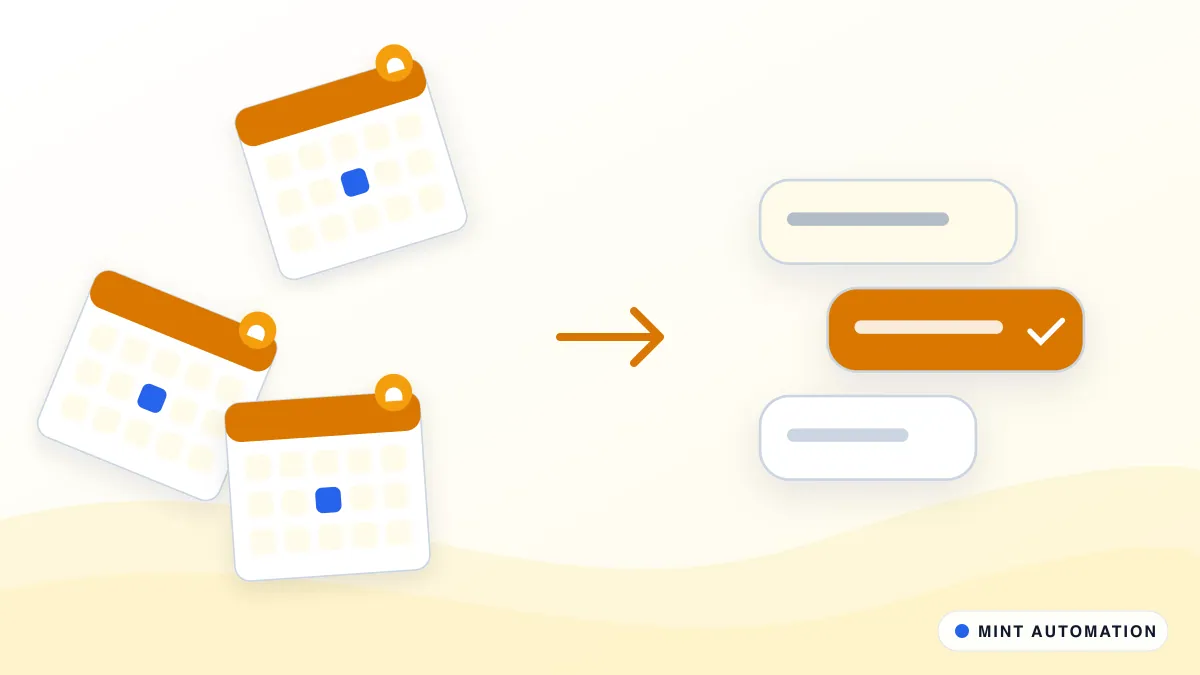
Automated renewal and payment reminders make sure every client hears from you at the right time: before a subscription or contract renews, when an invoice is due, and politely afterwards if it is overdue. They stop automatically the moment the client pays or replies, so nobody receives a reminder they do not need.
This guide explains why manual reminders fall through the cracks, what a sensible reminder schedule looks like, how to keep the tone right, what it costs and the mistakes to avoid.
Why manual reminders slip
Chasing renewals and payments is nobody’s favourite job, and it is usually done in spare moments. That creates predictable gaps:
- Dates live in too many places. Renewal dates sit in contracts, spreadsheets and calendars; due dates sit in the accounting system. Nobody sees them all together.
- Awkwardness causes delay. People put off chasing a long-standing client because it feels uncomfortable, so the invoice ages further.
- Reminders go to the wrong person. The contact who signed the contract is not always the one who pays the invoices.
- Paid clients get chased. Without a live view of payments, reminders sometimes go out after the money has arrived, which damages trust.
The result is slower cash flow, renewals that lapse without anyone noticing, and a finance team that spends its week on reminders instead of analysis.
What a good reminder schedule looks like
Every business is different, but a balanced schedule usually follows this pattern:
For renewals:
- A first notice well before renewal, confirming what renews, when and at what price, with an easy way to ask questions or make changes.
- A reminder closer to the date for anything still unconfirmed, sent to both the decision-maker and the billing contact if they differ.
- An internal alert to the account owner for high-value or at-risk renewals, so a person can call rather than rely on email.
For invoices:
- A friendly note a few days before the due date, with the invoice attached and a payment link if you offer one.
- A reminder on or just after the due date, still in a helpful tone.
- A firmer follow-up after a set period, with a clear request and a named contact.
- A handover to a person after that, because a long-overdue invoice needs a conversation, not another automated message.
The exact timings depend on your payment terms and industry, and they should be agreed with whoever owns client relationships.
Getting the tone right
Most late payments are not deliberate. The client forgot, the invoice went to the wrong inbox or it is stuck in their approval process. Your reminders should make paying easy rather than make anyone feel accused:
- Be specific. Include the invoice number, amount, due date and what it was for.
- Make the next step obvious. A payment link, bank details or a direct contact for questions.
- Use the client’s preferred channel. Some respond to email, others to WhatsApp. Respect what they have agreed to.
- Escalate gradually. The first reminder should read like a courtesy, not a warning.
- Let people reply. Replies should reach a real person and pause the sequence automatically.
Stopping reminders the moment a client pays
The single most important rule is never to chase money that has already arrived. A reliable setup checks payment status before every message by reading your accounting or billing system, and, for bank transfers, by matching incoming payments against open invoices.
When a payment cannot be matched with confidence, for example a partial payment or a transfer with no reference, the automation flags it for a person instead of guessing. Our invoice automation kit covers the invoice side, and a workflow automation connects billing, banking and messaging so they work from the same information.
Which systems and channels it works with
Most setups combine three things:
- Your billing or accounting system, such as Zoho Books, QuickBooks, Xero, Tally, Stripe or a subscription platform, which holds due dates and payment status.
- Your client list or CRM, which knows who the right contact is and who owns the relationship.
- Your messaging channels: email for invoices and formal notices, WhatsApp for quick, friendly reminders where clients have opted in, and internal alerts to your team. The WhatsApp notifier is often used for the team alerts.
You do not need to replace any of these. The automation sits between them and keeps them in step.
How to measure the results
A few simple measures show whether reminders are working:
- Average days to payment for invoices sent after the automation went live, compared with before.
- Overdue invoices by age, so you can see whether long-overdue amounts are shrinking.
- Renewals confirmed before the renewal date, rather than lapsing or being sorted out afterwards.
- Replies and disputes, which often reveal invoicing problems worth fixing at the source.
A short weekly or monthly summary, produced automatically with something like our report builder pack, keeps everyone informed without extra work.
Handling disputes, partial payments and special cases
Real accounts are rarely tidy, and a good automation is designed for the awkward cases rather than surprised by them:
- Disputed invoices. When a client replies to query an invoice, reminders for that invoice pause and the query goes to the account owner. Chasing a disputed amount only makes the conversation harder.
- Partial payments. The automation records what has been paid, updates the outstanding balance and adjusts the next reminder, instead of asking for the full amount again.
- Agreed payment plans. If your team agrees to split a payment, the schedule is updated so reminders follow the new dates.
- Key accounts. Some clients should never receive an automated chase. They can be excluded, with an internal reminder to the account owner instead.
- Credit holds. Where your process allows it, the automation can alert sales or operations before new work is accepted for a client with long-overdue balances, so decisions are made with the full picture.
Each of these rules is agreed with you before anything is built, so the automation reflects how your business actually treats its clients.
Consent, privacy and respectful contact
Reminders involve client contact details and financial information, so they need to be handled carefully. Messages should only go through channels the client has agreed to, especially WhatsApp. Invoice details should be sent only to the correct billing contacts. Access to the automation and its logs should be limited to the people who need it. You can read how we handle data in our privacy policy.
What reminder automation costs
As a guide, automating renewal and payment reminders from one billing or accounting system, over email or WhatsApp, typically falls between $499 and $1,200 as a fixed price. Projects that also match bank payments, cover several companies or currencies, or connect a CRM and an accounting system, are usually in the $1,500 to $3,500 range. Our services page explains how we quote.
Running costs are usually modest. WhatsApp Business messages and some email platforms charge per message, and a good provider will estimate the monthly figure from your real invoice and renewal volumes.
Common mistakes to avoid
- Chasing without checking payment status. The fastest way to annoy a good client.
- One message for everyone. A long-standing client and a new one may need different wording and timings.
- No human step. Automation should hand long-overdue or sensitive cases to a person.
- Ignoring data quality. Wrong contact details or duplicate client records lead to reminders going astray. Clean them first.
- Automating without agreed terms. Decide your payment terms, grace periods and escalation steps before building.
What a typical rollout looks like
- Gather the dates. Pull renewal and due dates from contracts, spreadsheets and the accounting system into one view.
- Agree the schedule and wording with the people who own client relationships.
- Connect the systems and test with internal contacts before any client receives a message.
- Run alongside your current process for a short period, so you can compare and fine-tune.
- Go live with a weekly summary of what was sent, what was paid and what needs a person. You can read more on our how it works page.
Is your business ready?
You are likely ready if:
- You send recurring invoices or have contracts and subscriptions that renew.
- Someone spends time each week chasing payments or confirming renewals.
- Late payments or lapsed renewals affect your cash flow.
- Your billing data lives in an accounting system, billing platform or at least a consistent spreadsheet.
Our free automation assessment gives you a quick, honest view if you are unsure.
How Mannveer International (MINT) Can Help
Mannveer International (MINT) automates renewal and payment reminders around the accounting, billing and messaging tools you already use. We start by understanding your payment terms and how your team chases today, write the reminders with you so they sound like your business, and make sure no client is ever chased after paying. You get a fixed quote before any work starts, and standard setups are typically delivered in 3 to 7 business days.
After launch we monitor the automation and adjust schedules and wording with you, so cash arrives sooner and your team spends less time chasing.
- Contact MINT to describe how you handle renewals and payments today
- Connect with MINT directly by WhatsApp or phone
- Explore MINT case studies to see the kind of work we deliver
- Take the free automation assessment to check how automatable your billing follow-up is
FAQ
Will automatic payment reminders upset our clients?
Polite, well-timed reminders rarely upset anyone; most late payments are simply forgotten. Problems come from aggressive wording, too many messages or reminders sent after the client has already paid. A good setup checks payment status before every message.
Can reminders be sent from Zoho Books, QuickBooks, Xero or Tally?
Yes. The automation reads due dates and payment status from your accounting or billing system and sends reminders through email or WhatsApp. Where a system has no integration, the data can be read from its reports or web screens instead.
What about clients who pay by bank transfer?
The automation can match incoming bank payments to open invoices, using statements or bank feeds, so reminders stop as soon as money arrives. Payments it cannot match confidently are flagged for a person to confirm.
How long does it take to automate renewals and payment reminders?
For one billing or accounting system and email or WhatsApp reminders, MINT typically delivers in 3 to 7 business days. Setups that combine several systems, entities or currencies take longer and are quoted up front.
Losing leads to slow follow-up?
MINT automates lead capture, routing, and follow-up so no enquiry waits.